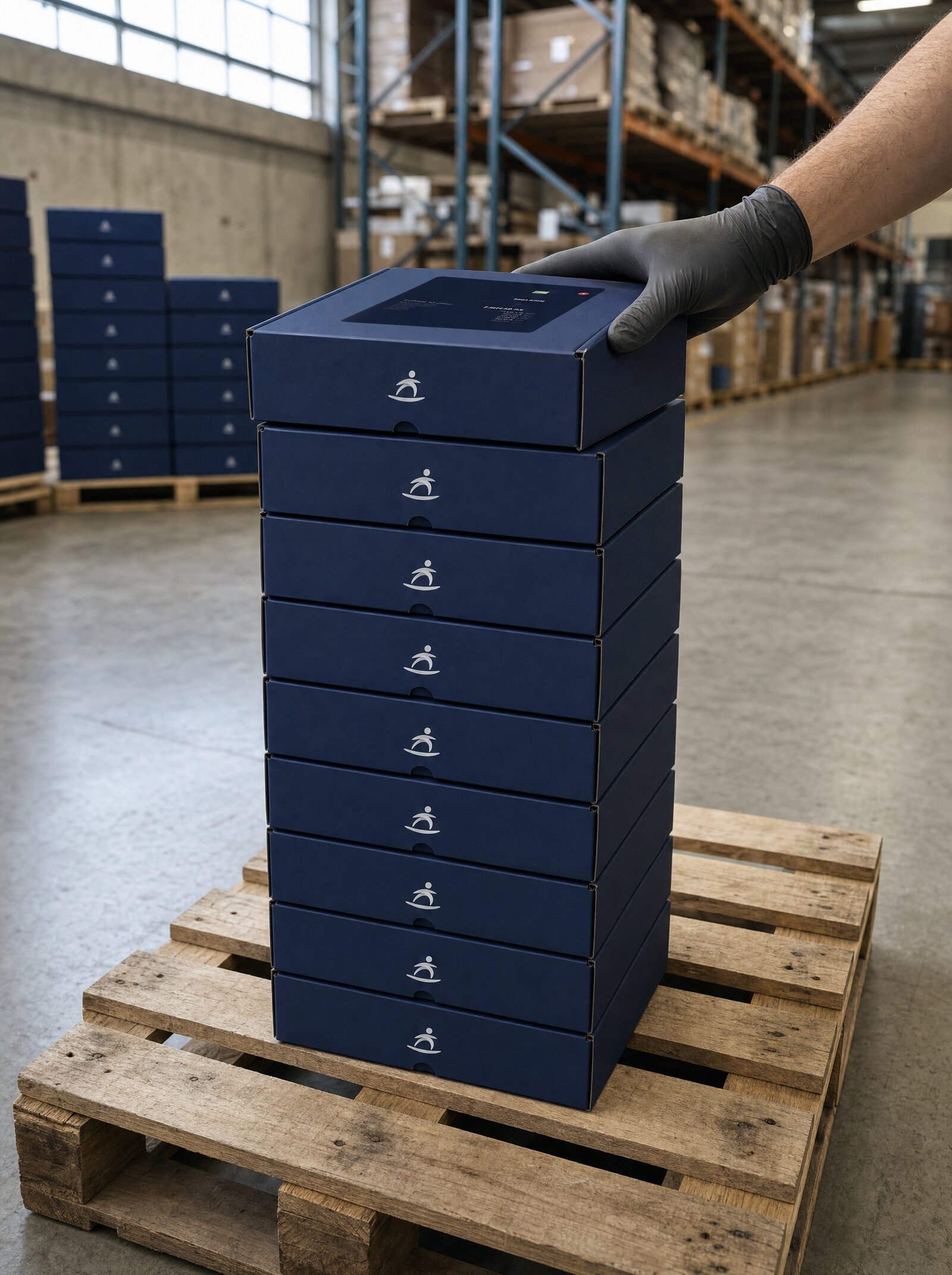
Hardware Procurement, Programmable
Order, ship, track, return, and replace Surfboard terminals through the API. Bulk shipment for chains. Automatic return waybills for swaps. Per-line billing-plan overrides. Built for partners moving hardware to thousands of merchants without putting a logistics coordinator in the middle.
Hardware Has an API Now
Most acquirers and ISO networks treat hardware orders like a 1990s procurement workflow — portal logins, sales reps, PDF order forms, email-based tracking updates. Surfboard's Logistics API replaces all of that with seven endpoints you can wire into your own onboarding, support, and replacement flows.
Place an order with one POST. Track shipments programmatically. Issue replacements with automatic return waybills. Run bulk distributions for chain rollouts. Per-line billing plan overrides. Returns as a first-class surface, not a workaround.
Built for partners running hardware at scale
ISVs activating thousands of merchants per year, PayFacs scaling self-serve signups, retail platforms equipping franchise networks — none of those workflows survive a manual logistics process. The Logistics API exists so partners can scale terminal procurement without scaling a logistics team.
How Logistics Works
Place an order via API
                          POST /partners/:partnerId/merchants/:merchantId/shipment
{
  "lineItems": [
    { "productId": "12345", "quantity": 2 }
  ],
  "shippingAddress": {
    "name": "Sven Olsson",
    "addressLine1": "Storgatan 14",
    "city": "Stockholm",
    "countryCode": "SE",
    "postalCode": "11122",
    "phoneNumber": { "code": 46, "number": "0701234567" },
    "email": "sven@cafe-storgatan.se"
  }
}
Track every shipment programmatically
                          GET /partners/:partnerId/orders/:orderId/status

// Returns shipment state, carrier reference, ETA
Returns and replacements built in
                          POST /partners/:partnerId/merchants/:merchantId/shipment
{
  "lineItems": [{
    "productId": "12345",
    "quantity": 1,
    "replacementFor": "term_abc123"
  }]
}
What you can build
Programmable hardware procurement is one of those primitives that quietly removes a category of operational work. Here's where partners ship it most often.
1. Self-Serve Merchant Onboarding
A merchant signs up in your platform. The same workflow that creates the merchant record also places a terminal order — automatically. The first hardware ships before anyone in your team has touched a ticket.
- Onboarding flow places the order
- Hardware arrives in 1–3 business days
- Pre-paired to the merchant — unbox, scan, accept payments
Perfect for:
- ISVs running self-serve signup flows
- PayFacs scaling merchant acquisition
- Vertical SaaS shipping payments as part of the product
2. Bulk Terminal Distribution
Onboarding a chain of 200 stores? One bulk-ship endpoint sends terminals to every location's address with one call. No spreadsheet upload, no per-store ticket, no logistics coordinator on a Zoom.
Designed for franchise rollouts, retail expansion, and event-fleet deployments.
3. Replacement Workflow Without Friction
A terminal fails. The merchant calls support. With one POST including replacementFor, you ship the new device and Surfboard prints a return waybill for the old one. The merchant uses the same box. Your support team never touches a logistics portal.
- Single API call replaces a single device
- Return waybill issued automatically
- Old device tracked through the same Returns API
4. Per-Order Billing Plan Override
Each line item can specify its own billing plan. Run a promotion on the SurfTouch Pro this quarter? Override the billing plan on those orders only. Run different pricing for enterprise vs SMB merchants? Tag each order accordingly.
Composes with the Billing API so terminal pricing is part of the same configuration model as transaction pricing.
5. Returns API as a First Class Surface
Returns aren't an afterthought. Two dedicated endpoints — create return, get returns — make it just as programmable as outbound shipping. Terminal upgrade cycles, end-of-lease device collection, and routine maintenance swaps all run through the same API.
6. Visibility Across Every Order
Fetch every order placed under a partner or every order destined for a single merchant. Surface the data in your own merchant dashboard so customers see device shipment progress alongside their other onboarding steps.
Pair with the Notifications API to push tracking updates into your support team's Slack or your merchants' email.
Seven endpoints, full lifecycle
Ship one or more line items to a merchant address. Optional billing-plan override per line.
Single endpoint, multiple destinations. Built for chain rollouts and event-fleet deployments.
Pull current state, carrier reference, and ETA for any order.
List every order destined for a specific merchant.
List every order placed under your partner account.
Two endpoints for outbound returns and replacement workflows. Waybills issued automatically.
Procurement that disappears into your platform
The merchant signs up in your interface, sees their device shipped, tracks it from your dashboard, and reports problems through your support flow. Surfboard's logistics layer is invisible to them — and your team never has to manually coordinate hardware procurement.
This is what end-to-end white-label actually looks like. The acquirer is invisible. The processor is invisible. Now the logistics provider is invisible too.
Place your first order
One POST creates a shipment. The merchant address can be omitted to use the merchant's default. Add replacementFor to convert the order into a swap with an automatic return waybill.
                            // Bulk-ship terminals to a chain of stores
POST /partners/:partnerId/merchants/:merchantId/shipment-bulk
{
  "shipments": [
    {
      "shippingAddress": { "name": "Café Storgatan", "addressLine1": "Storgatan 14", "city": "Stockholm", "countryCode": "SE", "postalCode": "11122", "email": "ops@storgatan.se" },
      "lineItems": [{ "productId": "12345", "quantity": 1 }]
    },
    {
      "shippingAddress": { "name": "Café Götgatan", "addressLine1": "Götgatan 22", "city": "Stockholm", "countryCode": "SE", "postalCode": "11647", "email": "ops@gotgatan.se" },
      "lineItems": [{ "productId": "12345", "quantity": 1 }]
    }
  ]
}
Build it yourself
Step-by-step developer guides for everything on this page.
Manage payment terminals and devices via the Surfboard API. Register in-store and online terminals, configure settings, and handle device operations.
Read guide In-store · GuideRegister a terminal to a store before it can take payments or receive a partner POS app. Covers rotating codes, QR/registration links, pre-shipped codes, and in-app registration for SoftPOS.
Read guide Online · GuideCreate, update, verify, and manage in-store and online stores using the Surfboard Payments Store APIs.
Read guide